

Equipment Management System (EMS)
I. System Diagram
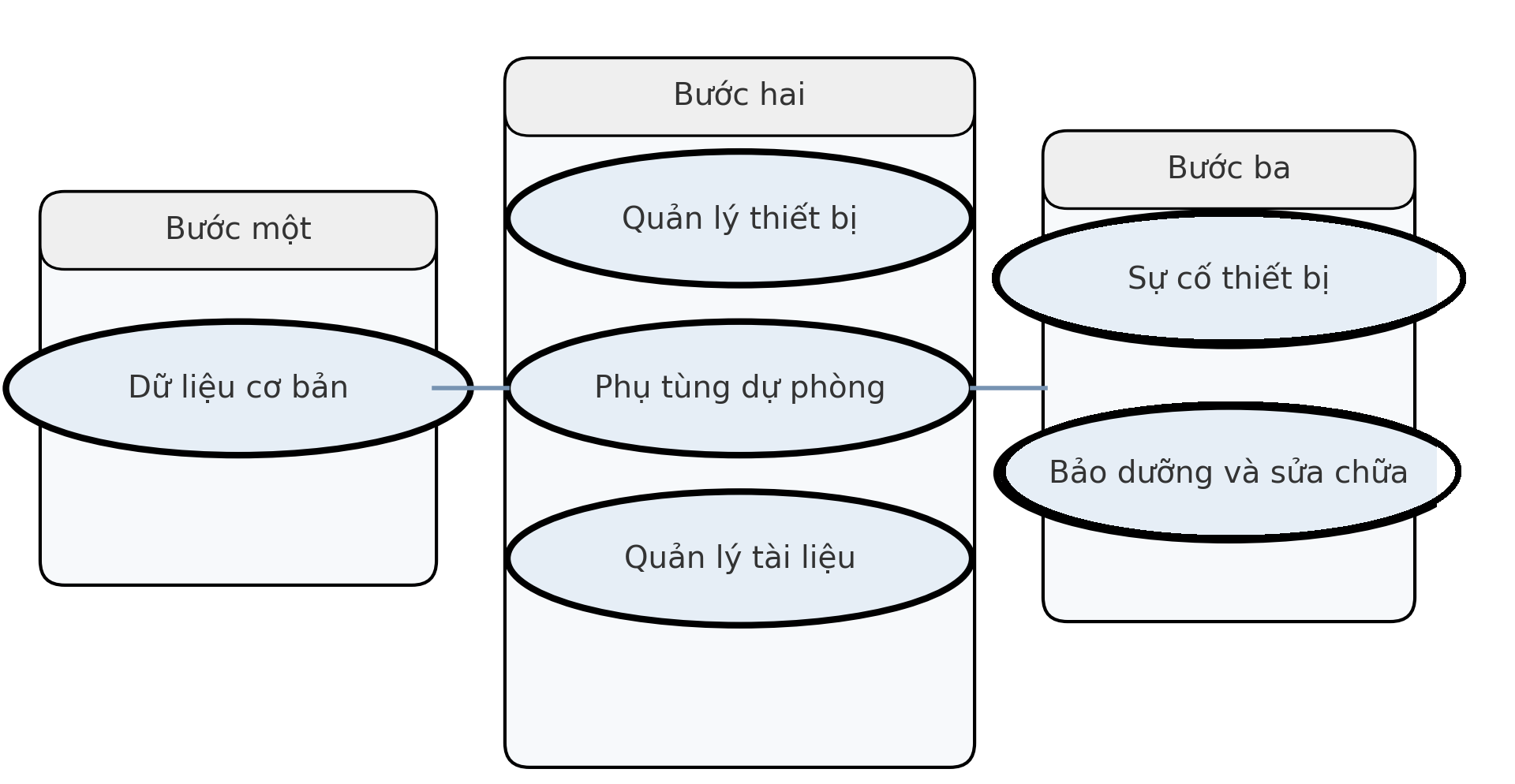
As shown in the figure above, the system consists of six core modules: Basic Data, Equipment Management, Spare Parts, Document Management, Equipment Incidents, and Maintenance & Repair.
II. System Settings
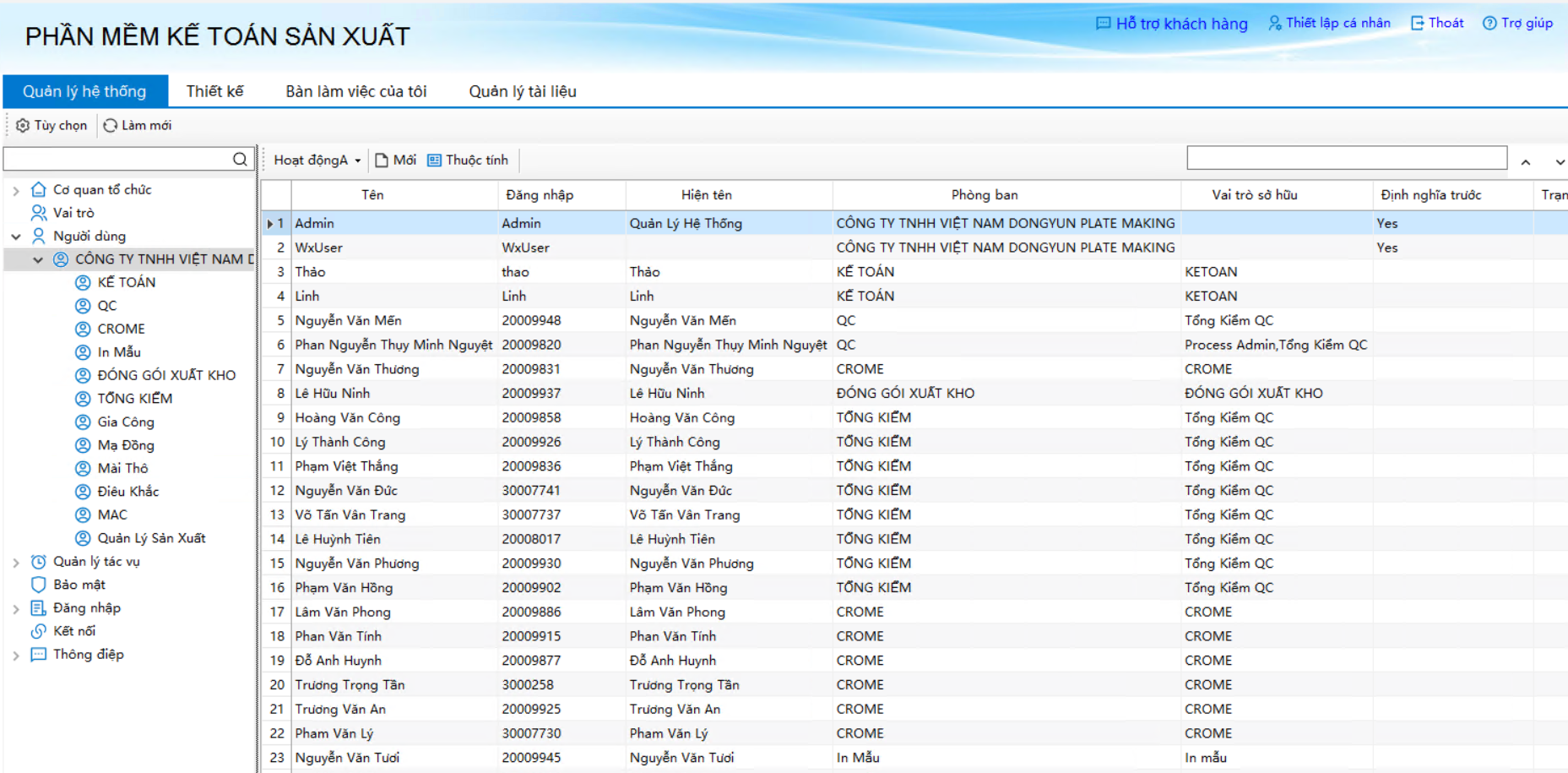
System information settings are configured in the "Admin Console". Here, data specifications, users, departments, and roles are established. Administrators can add users and customize specifications as needed (Please refer to the "Excel Server Detailed Guide").
III. Function Introduction and Guide
1. Equipment Management
- When filling out the initial report, you only need to complete the "Basic Info", "External Image", and "Attached Documents" fields.
- The remaining three sheets ("Spare Parts Info", "Maintenance Record", and "Equipment History") are automatically populated through formula linkages when other business forms are filled.
- "Manufacturer" and "Distributor" can be quickly selected from a dropdown list. If a new partner is entered manually, the system automatically creates a new profile for them.
- The "Equipment Info Sheet" summarizes all machine information for easy printing and archiving.
2. Spare Parts Management
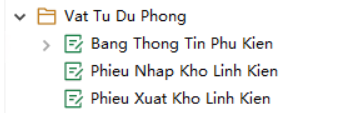
When registering new spare parts, you must select the "Associated Equipment" (the equipment that will use the part). Upon saving, the part information automatically appears in the "Spare Parts Info" section of that equipment's profile.
For stock-in/stock-out documents: If the inventory falls below the minimum limit (after issuing) or exceeds the maximum limit (after receiving), the system immediately highlights it in red and displays a written warning below the report.
3. Maintenance and Repair
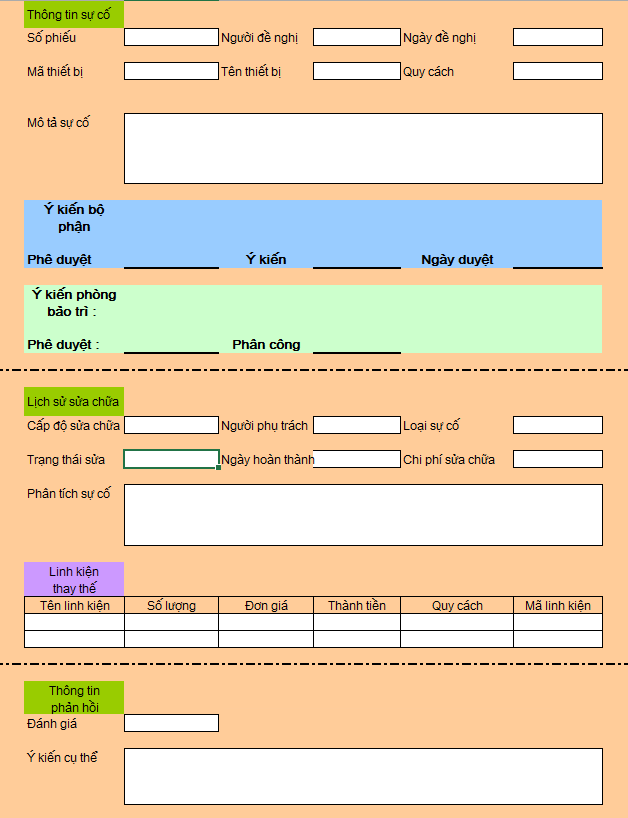
The "Equipment Maintenance Record" follows a strict 5-step workflow:

- Step 1: The applicant fills out the "Equipment Maintenance Record Form".
- Step 2: The record is routed to the applicant's direct supervisor for approval.
- Step 3: Once "Approved", the document is automatically forwarded to the Maintenance Manager.
- Step 4: The Maintenance Manager assigns a technician (e.g., Xiao Lin). The maintenance order immediately appears in Xiao Lin's to-do list.
- Step 5: Upon completion of the repair, the status updates to "Completed" and the form is returned to the applicant for acceptance.
Simultaneously, upon completion, the system automatically: (1) Updates the maintenance record in the Equipment History. (2) Deducts the spare parts used during the repair from inventory.
4. Equipment Incidents
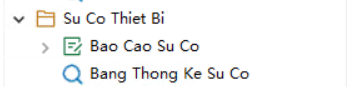
Record all accidents or severe issues related to machinery. Management can access the [Accident Statistics] module to view, filter, and export incident reports for any given time period.
5. Document Management

Manage all manuals, circuit diagrams, or inspection certificates. Users simply add a new document to the system, set the format to "Attachment", and link it to the "Associated Equipment".
6. Basic Data

Involves setting up and storing information for partner units, suppliers, and manufacturers. This module provides foundational data lists, making future creation of equipment and spare parts records rapid and synchronized.