

Excel Server BPM System
This system is divided into six main modules. Specific individuals or departments can access designated modules through strict permission management.
Based on the form names, it is easy to understand their purpose. Below is a detailed guide arranged according to the business process flow of each module.
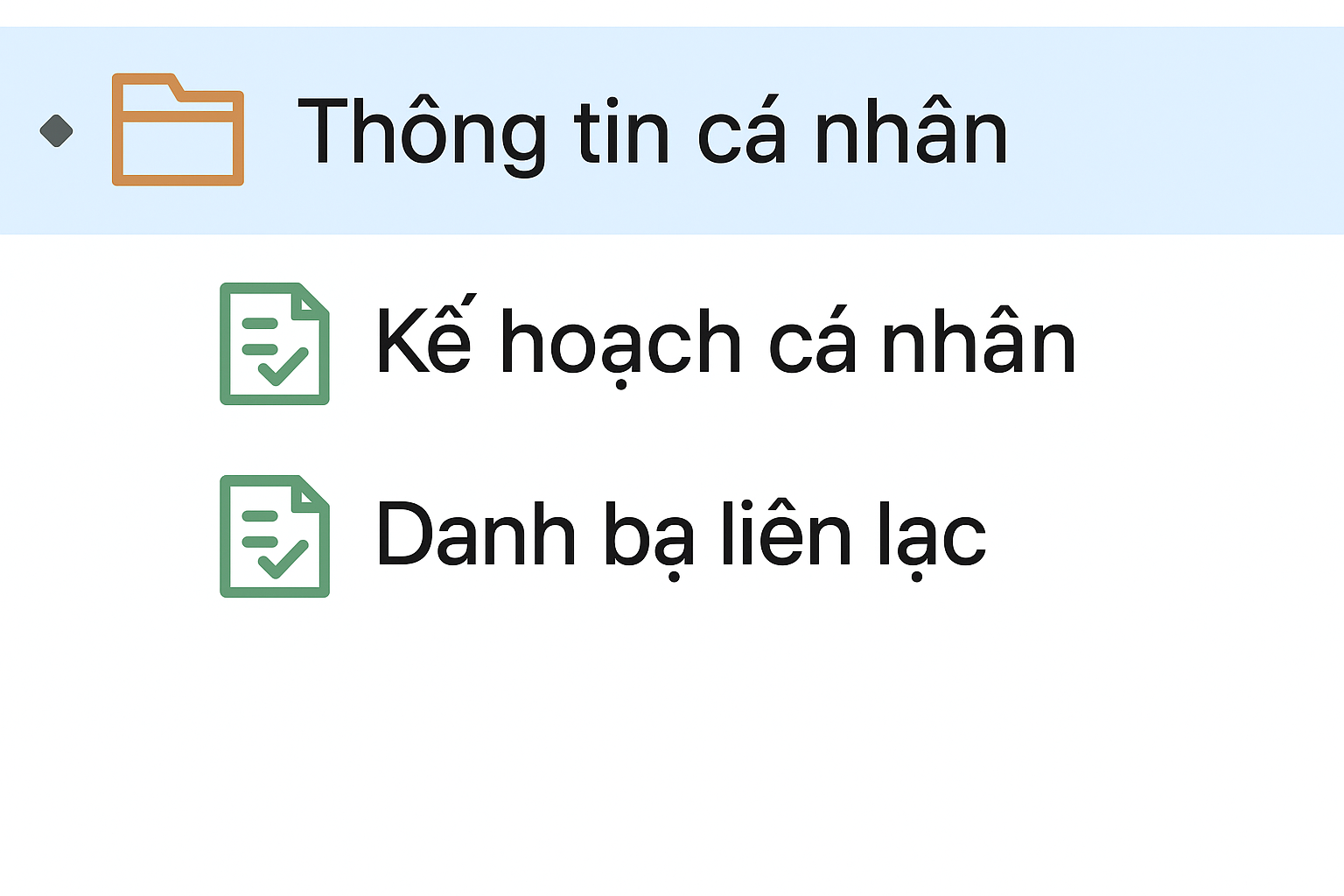
1. Personal Center
Everyone can have their own personal workspace. Here, they can record frequently used contact information, set personal plans, and manage daily tasks.
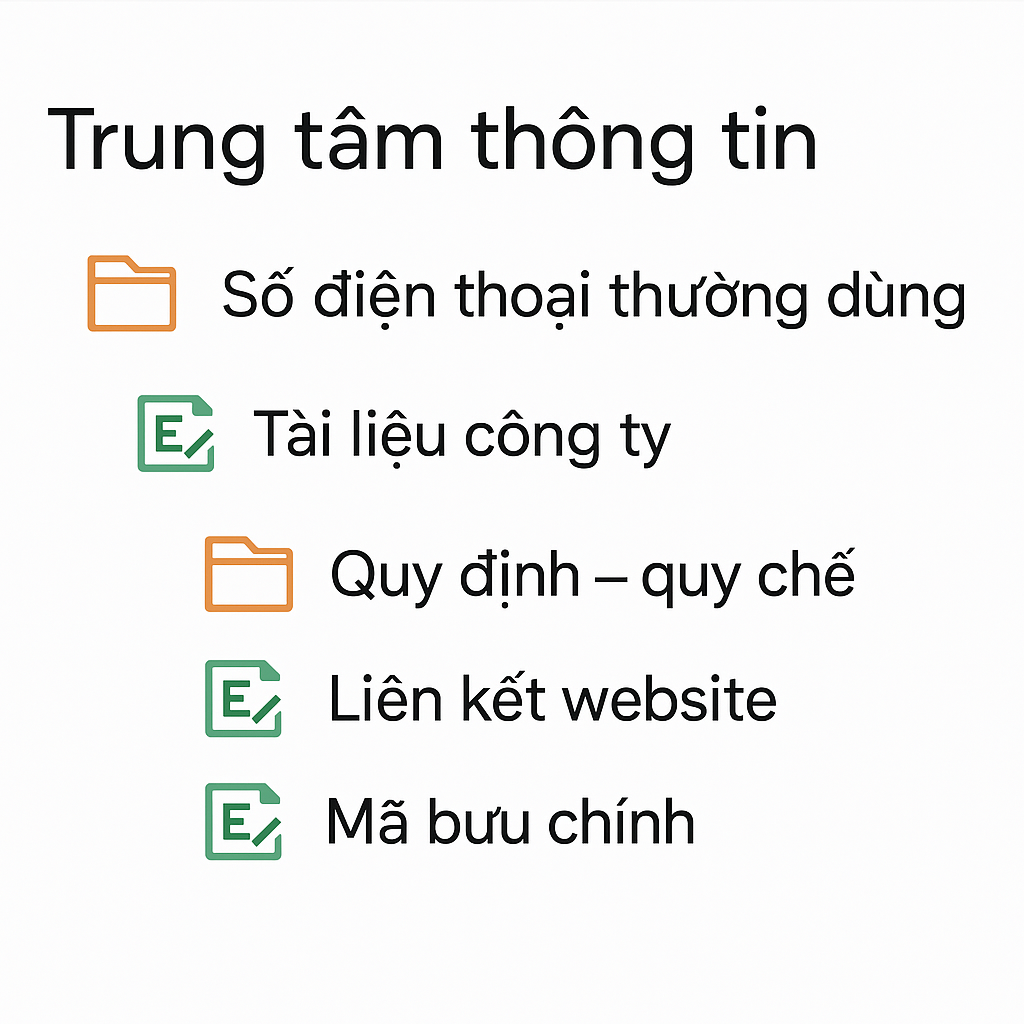
2. Information Center
Acts as a repository for storing and sharing common information across all company departments.
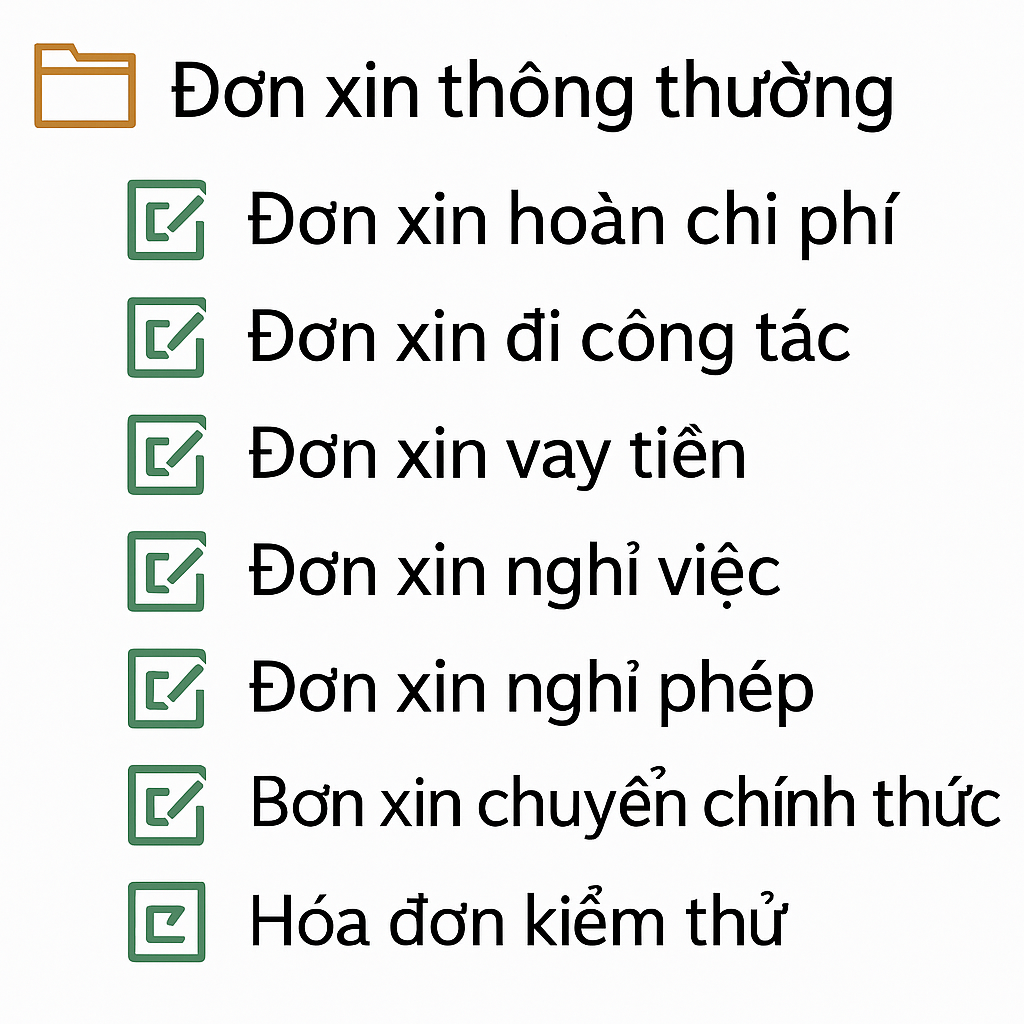
3. Common Applications
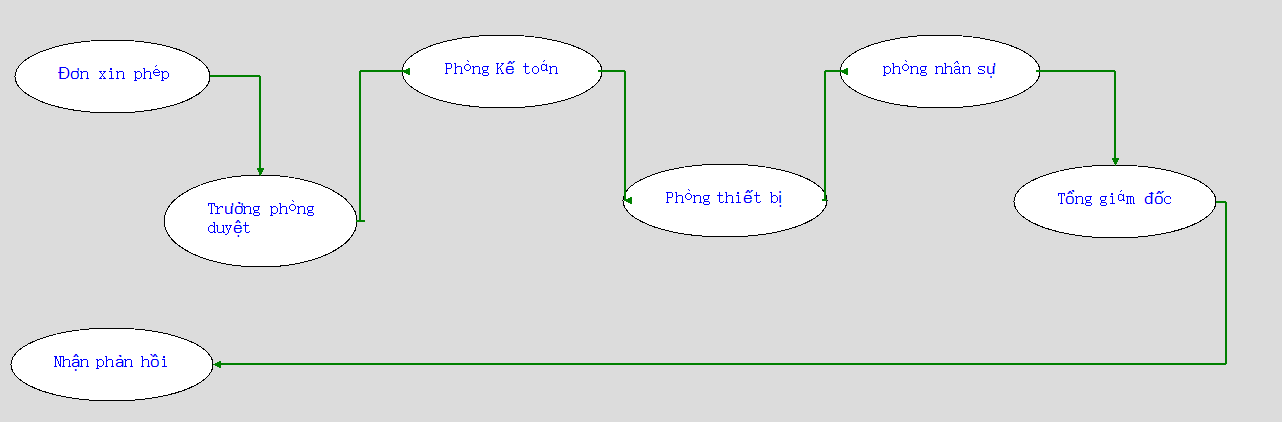
This module primarily handles workflows. Take the [Resignation Application Form] as an example:
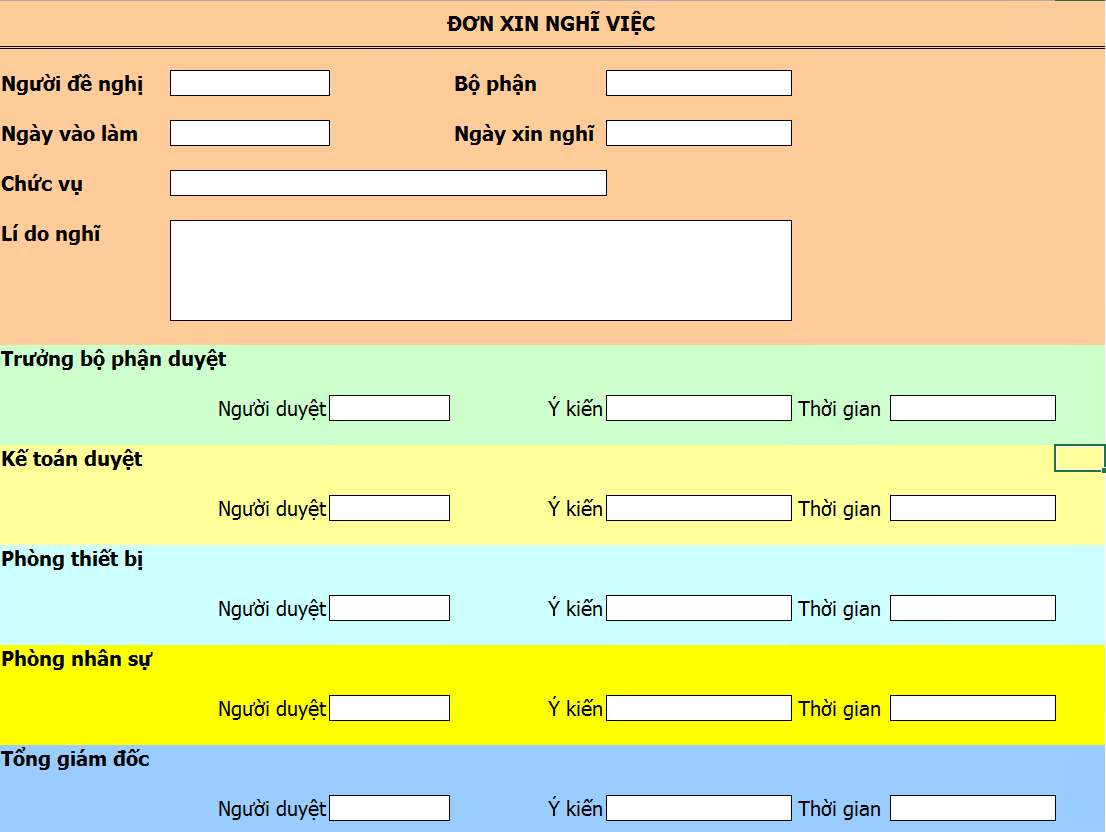
According to the color blocks on the chart, this process requires 6 approval steps. If we want the applicant to receive the final approval result, we need to add a "Receive Feedback" task to the flow.
4. Resource Management
Includes the management of materials, company vehicles, and meeting rooms.
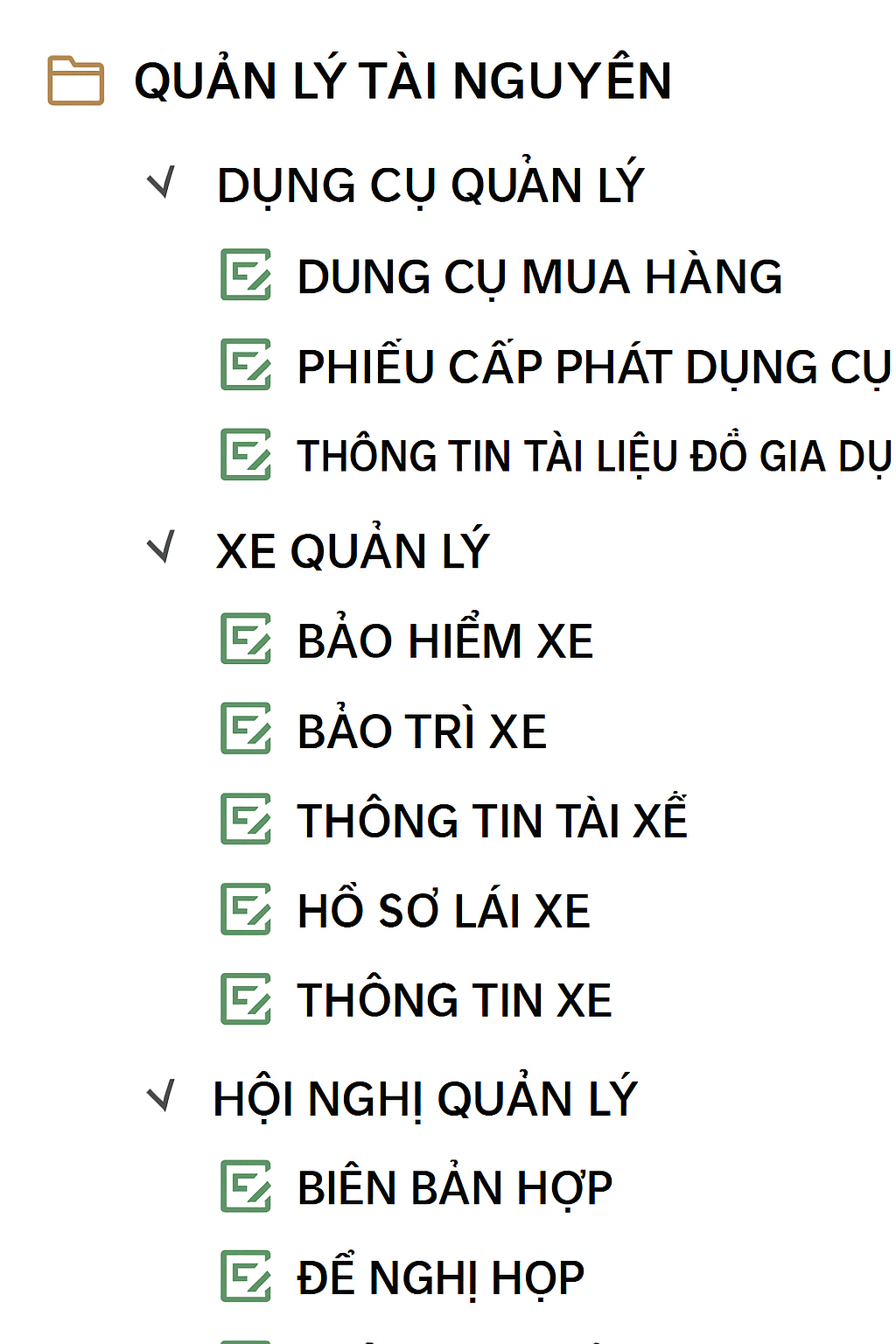
[1] Material Management
- Basic material information is organized in the [Item Information] form.
- When purchasing, fill in the [Material Purchase Order]. Saving the order automatically increases inventory.
- When issuing items, fill in the [Material Collection Form]. The inventory quantity will automatically decrease.
[2] Vehicle Management
- Declare driver details in [Driver Information] and vehicle details in [Vehicle Information].
- The system uses this data to track [Vehicle Insurance], [Vehicle Maintenance], and [Driving Records].
[3] Meeting Room Management
- Declare meeting room availability in [Meeting Room Information].
- Use the [Meeting Approval Form] workflow to get the General Manager's approval.
- Record session details in the [Meeting Minutes] form based on approved information.
5. Human Resources Management
(For more details, please refer to the "HRM System" documentation).
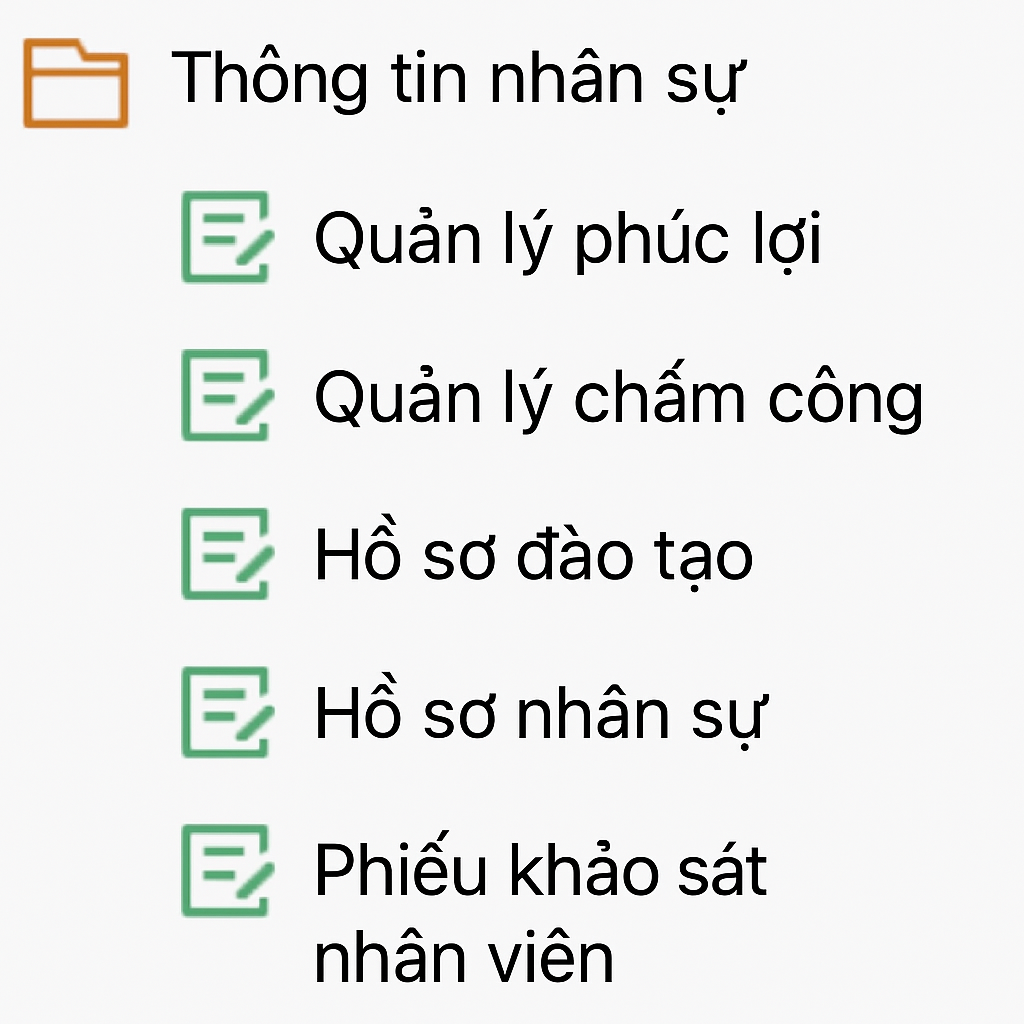
- Store personnel records centrally. Synchronize data to [Training Records] and [Welfare Management].
- For [Attendance Management], the system automatically extracts data from attendance machines into the management table.
- [Employee Survey Forms] can be distributed widely and collected automatically.
6. Customer Relations & Inventory Management
Includes CRM and business product inventory (different from office material management).
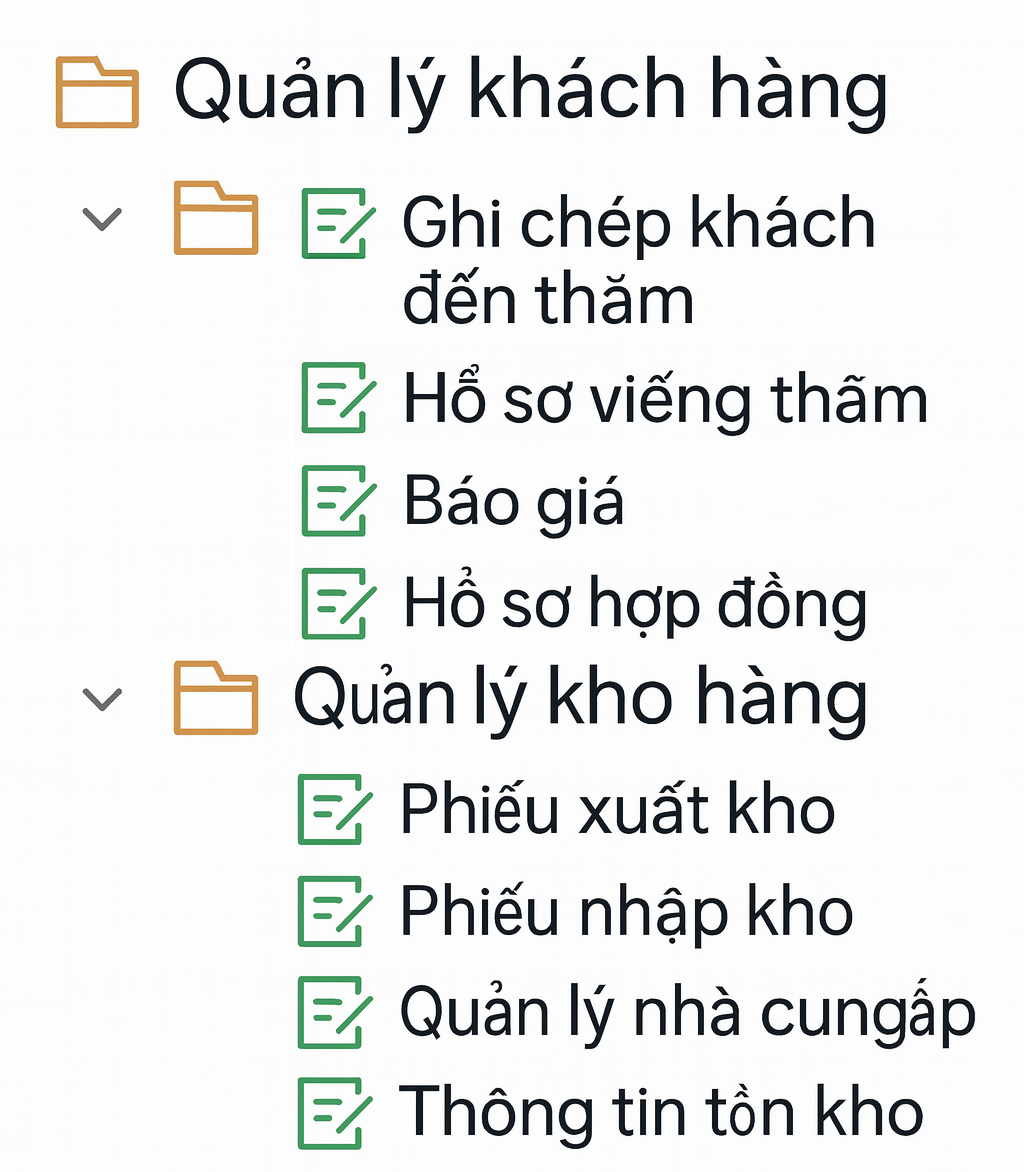
[1] Customer Management
- (Refer to the "CRM System" documentation).
- Store client profiles in [Customer Basic Information].
- Track full lifecycle: [Visitor Records], [Visit Records], [Quotation Records], and [Contract Records].
[2] Inventory Management
- Declare supply sources in [Supplier Management] and products in [Inventory Information].
- Create a [Stock-in Receipt] to increase stock levels and record cumulative purchases.
- Create a [Stock-out Order] to decrease stock levels and record sales revenue.
7. Notice Management Function
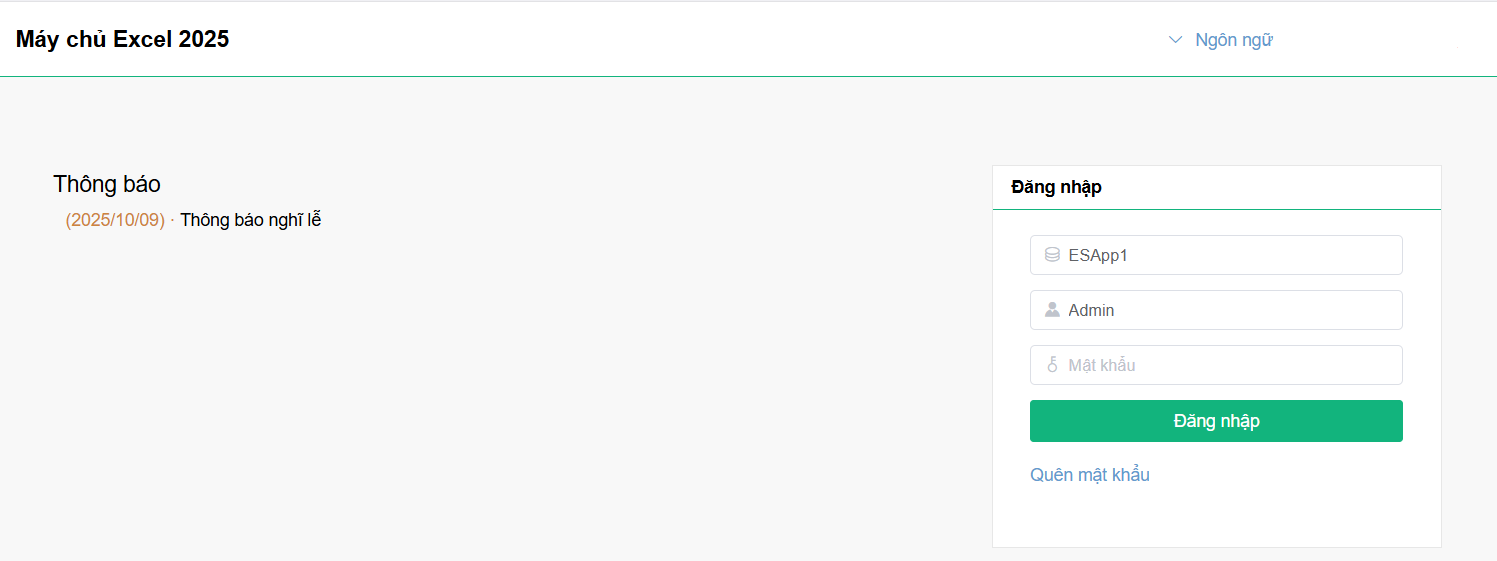
Notices in Excel Server support two formats: Template notices and Plain text notices. Anyone accessing the web portal can view them.
- Example: "Labor Day Holiday Notice!". When employees visit the filing portal, this notice will be displayed directly on the login page.
8. Category Display
Forms within the system can be organized and displayed in a logical category tree format.
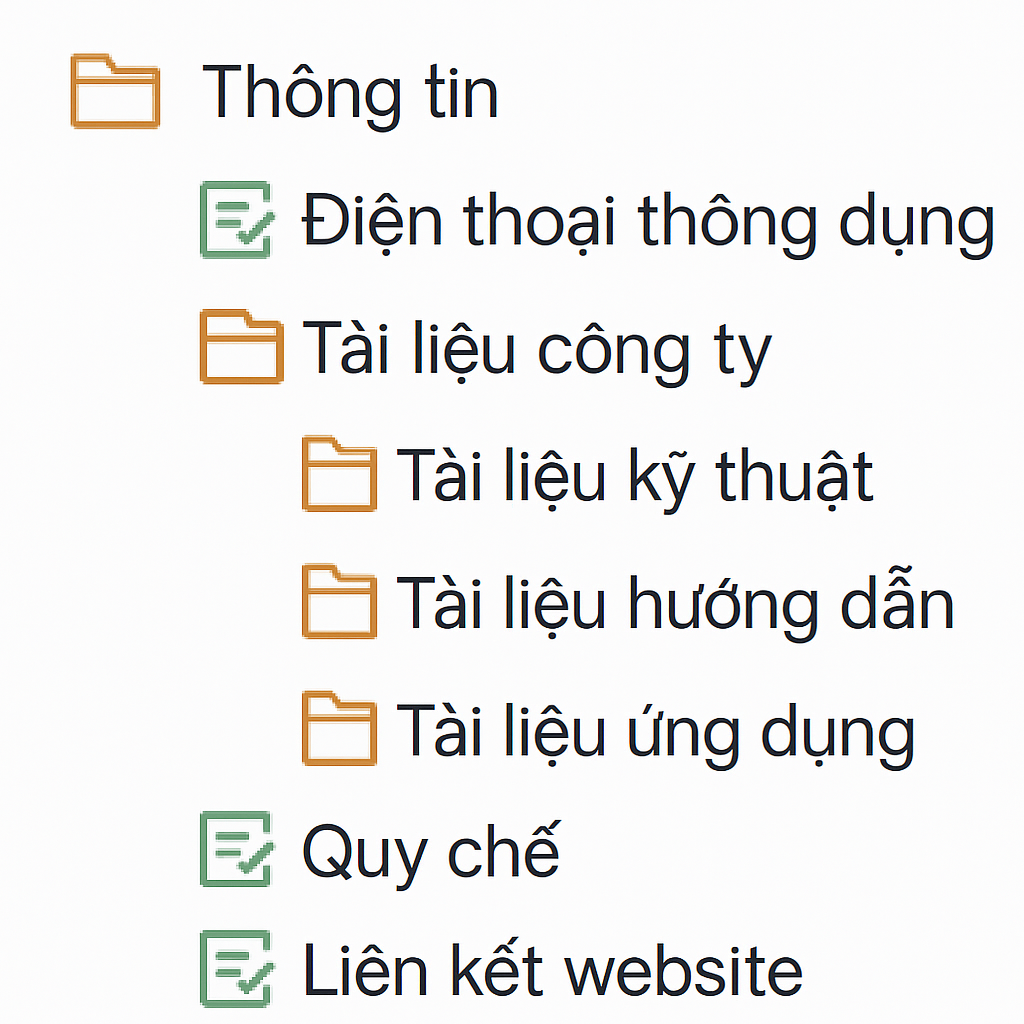
Taking the "Information Center" module as an example: If there are too many "Company Documents", the administrator can configure category fields to group them into different document types, making retrieval much easier.